Most small businesses handle IT reactively: something breaks, you call someone to fix it. Site down? Emergency. Server full? Delete logs. Email broken? Call hosting. Every time — panic, downtime, cost.
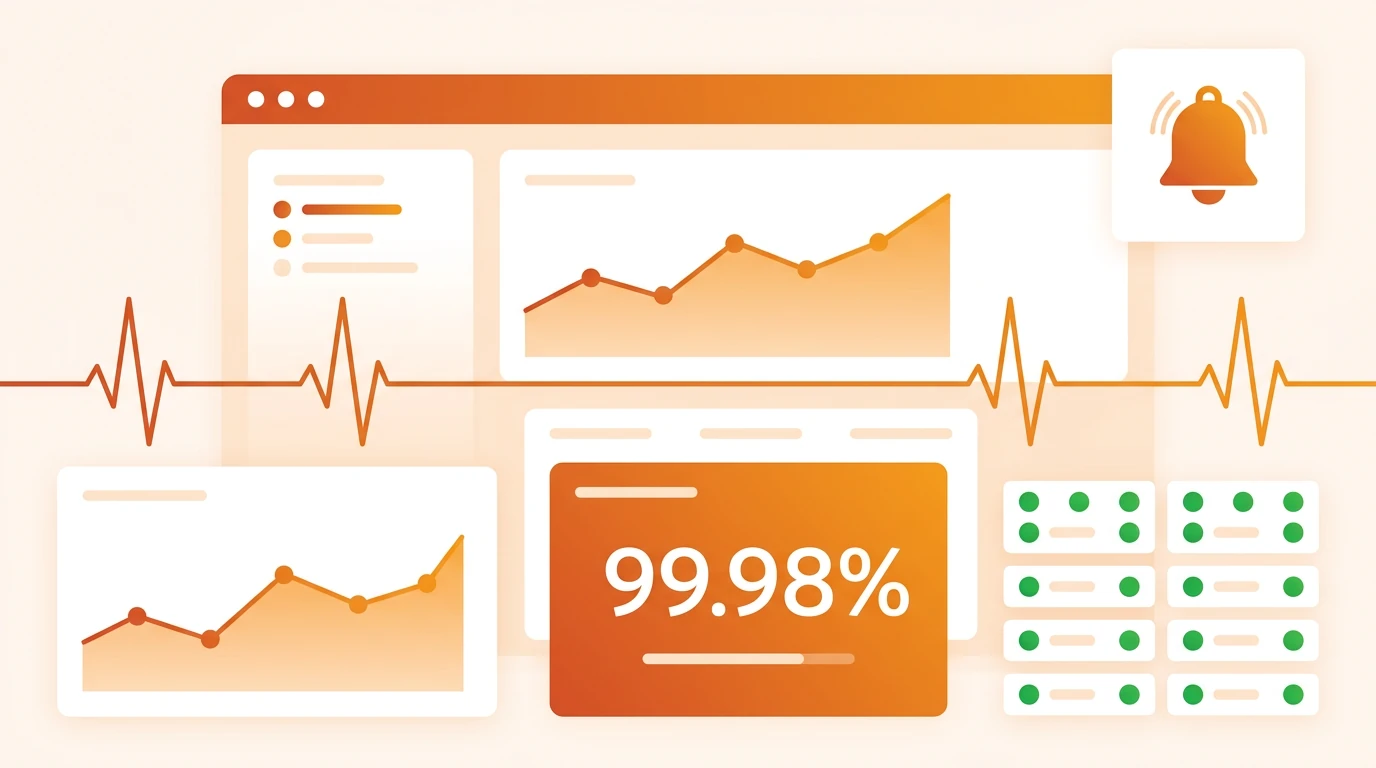
Proactive monitoring flips that: the system continuously watches the health of your infrastructure and alerts you before something fails.
Reactive vs proactive: a concrete example
Scenario: The server disk is full
Reactive approach:
- Monday 9:00 — the website stops working
- 9:15 — a client calls to say the site is unreachable
- 9:30 — you contact hosting support
- 10:00 — diagnosis: disk 100% full, MySQL crashed
- 10:30 — delete logs, restart services, verify data
- 11:00 — site is back
Outcome: Two hours of downtime, emergency rate (70+ EUR/hour), unhappy clients who saw an error.
Proactive approach:
- Friday 15:00 — monitoring sees disk at 85%
- 15:01 — automatic alert to IT contact
- 15:30 — clean unnecessary logs and old backups (planned work)
- 15:45 — disk at 40%, everything normal
Outcome: Zero downtime, routine work (included in a monthly package), clients notice nothing.
What proactive monitoring watches
Availability (uptime)
Checks every minute: is the site up? Correct HTTP status? Reasonable load time?
When a check fails, notification arrives within 60 seconds — SMS, email, or Slack. You do not wait for a client to tell you something is broken.
Server performance
- CPU load — sustained high load can mean an attack, inefficient code, or need to scale
- RAM usage — memory leaks slowly consume resources until the server crashes
- Disk space — logs, backups, and temp files gradually fill the disk
- Network traffic — unexpected spikes may indicate DDoS or malicious activity
SSL certificates
An expired SSL means Chrome shows “Your connection is not private” instead of your site. Monitoring tracks expiry and warns 30, 14, and 7 days ahead.
Security events
- Failed login attempts (brute force)
- Changes to critical files (file integrity monitoring)
- Unauthorized access to admin areas
- Malware detection on the website
What downtime really costs
Many small business owners underestimate downtime because they do not add up every component:
| Component | Example cost |
|---|---|
| Lost revenue | E‑commerce at 500 EUR/day ≈ 20 EUR/hour |
| Emergency intervention | 70–90 EUR/hour outside normal hours |
| Reputation | A client who sees a 503 may not return |
| SEO impact | Google records unavailability and may lower rankings |
| Team productivity | Staff cannot work while email or internal systems are down |
For a typical small business, one hour of e‑commerce downtime can cost 100–300 EUR when everything is counted. A monthly monitoring package that prevents that often runs 50–120 EUR.
What monitoring includes in practice
Basic package (brochure sites)
- Availability checks every minute (24/7)
- SSL certificate monitoring
- Email alerts on issues
- Monthly uptime report
- Incident response: next business day
Professional package (business sites and stores)
Everything in Basic, plus:
- Server monitoring (CPU, RAM, disk)
- Security scan once a week
- Automatic resource scaling at peaks (where supported)
- SMS alerts for critical issues
- Response time: 4 hours, 7 days a week
Partner package (critical infrastructure)
Everything in Professional, plus:
- Near real-time log monitoring
- File integrity monitoring
- Quarterly security review with report
- Strategic IT consulting
- Response time: 1 hour, 24/7
How to start with monitoring
You do not need everything on day one. Start with three checks:
- Uptime monitoring — are you online? Free tools like UptimeRobot cover the basics.
- SSL monitoring — when does the certificate expire? At minimum, a calendar reminder.
- Backup verification — does automated backup run? Test recovery at least once per quarter.
Once those three are reliable, expand to server performance, security scanning, and advanced alerting.
Conclusion
Proactive IT monitoring is not a cost — it is insurance. Like car insurance, you pay a little each month, but when something happens the gap is between quick recovery and a disaster. For small businesses that depend on their web presence, monitoring pays for itself the first time it prevents an outage that would have lasted hours.
Related articles
Need help with this topic?
ANIM offers free assessments for small and medium businesses. Get in touch and let's discuss your needs.
Free assessment